
B2B Technology Solutions Partner

Service / Build

UI/UX Design

Consider user needs and task flows when shaping a digital service or application.

  • Designed around user tasks
  • Tested before it is built
  • Ready for development
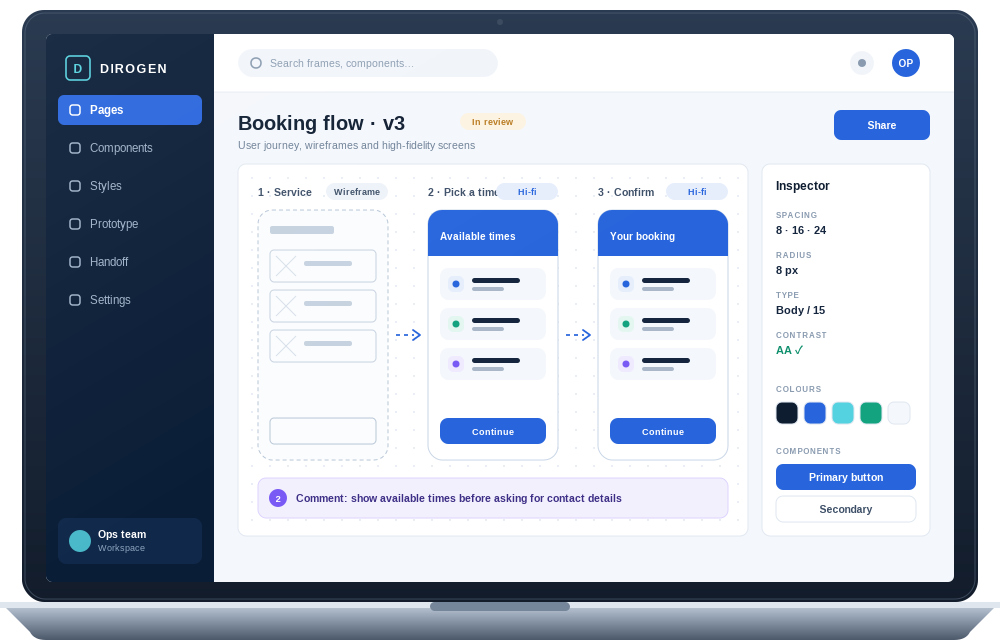
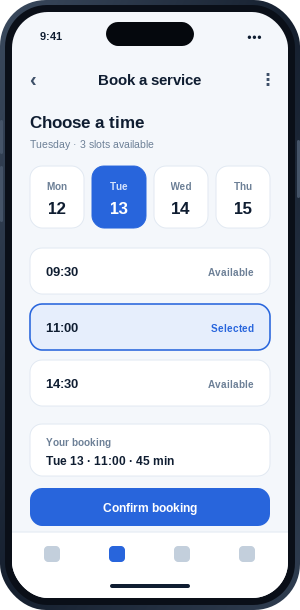
Illustrative design workspace on a laptop, showing a booking flow moving from wireframe to finished screens Illustrative mobile booking screen for choosing an appointment time
Sample concept · illustrative data, not a client project

Clarity for every user

Interfaces shaped around the task.

  • Start with the people

    Understand who uses the service, what they need to get done and where they get stuck today.

  • Clear journeys

    Structure screens and steps so each task has an obvious path from start to finish.

  • Designed to be built

    Work with the systems and development team in mind, so designs can be delivered as intended.

Service summary

At a glance

Business need
An interface or service flow may need clearer structure around user tasks.
Capability area
User interface · User experience design
Illustrative possibilities
A potential design direction, prototype or set of interface specifications, based on scope.
Related systems
Users · Workflows · Software

Illustrative system flow

  1. 01User
  2. 02Journey
  3. 03Interface
  4. 04Action

What we can design

UI and UX design capabilities

The mix depends on the product, the people using it and how far along the work already is.

  • User and task research

    Interviews, reviews of current tools and task mapping to find what matters most.

  • Journey mapping

    Map how people move through a service, including the steps that happen offline.

  • Information architecture

    Organise content, navigation and screens so people can find what they need.

  • Wireframes and prototypes

    Explore layouts quickly and test clickable prototypes before development starts.

  • Visual interface design

    Finished screens for web and mobile that reflect the brand and stay easy to use.

  • Design systems and handoff

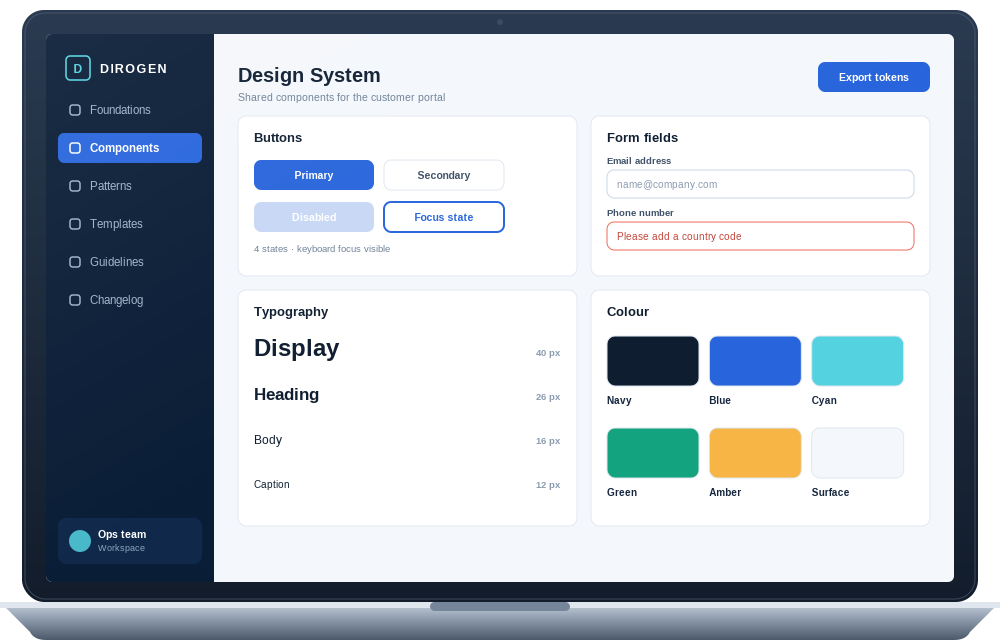
    Reusable components, states and guidance that help developers build consistently.

See the difference

Compare a screen before and after

Choose an example to compare a cluttered screen with a clearer version of the same task. These are illustrative screens, not client work.

Before

Service request form

  • Full name
  • Company
  • Email
  • Phone
  • Address
  • Service type
  • Preferred date
  • Comments
Submit
After

Book a service

  1. Service
  2. Time
  3. Details
  • Choose a service
  • Pick an available time
Continue

Illustrative exampleBooking form

What changed

  • The task is split into three short steps with visible progress.
  • Available times appear before any contact details are requested.
  • The main action says what happens next.
Before

My account

  • Profile settings
  • Notification settings
  • Billing history
  • Document archive
  • Order history
  • Support tickets
  • Account preferences
Open
After

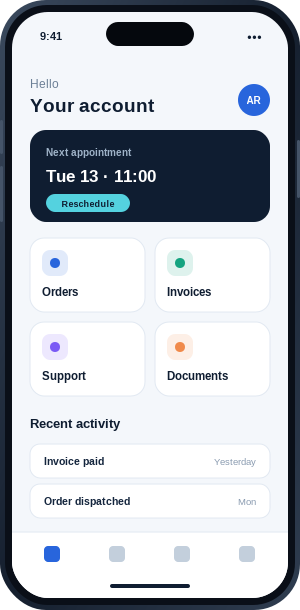
Your account

  • Next appointment: Tuesday
  • Invoice ready to view
  • Order on its way
View all activity

Illustrative exampleAccount dashboard

What changed

  • The screen leads with what needs attention now.
  • Settings move out of the way into their own area.
  • Each item links straight to the task it relates to.
Before

Contact support

  • Category
  • Sub-category
  • Product code
  • Reference number
  • Priority
  • Description
Send
After

How can we help?

  • Track or change an order
  • Question about an invoice
  • Something else
Continue

Illustrative exampleSupport request

What changed

  • People choose from common reasons in their own words.
  • Order details are filled in from the account where possible.
  • Only the questions relevant to the reason are asked.

About this service

In more detail

Design clear, purposeful digital experiences around business goals, user needs and the systems they interact with.

DIROGEN approaches UI/UX design as part of the wider digital system, connecting user experience with business requirements, workflows and the technology behind the experience. The focus is on creating interfaces that are clear, usable and aligned with the people and processes they support.

From digital products and web experiences to business applications and connected workflows, we shape interfaces and experiences around the intended users, business context and desired outcome.

The approach can include experience structure, interface design and interaction considerations depending on the requirements of the project.

Our approach

From research to ready-to-build screens

Each stage checks the design with real tasks before more time is invested.

  1. 01

    Understand

    Learn about the users, their tasks and the business goals behind the service.

  2. 02

    Structure

    Map journeys, content and screens, then sketch the key flows as wireframes.

  3. 03

    Design and test

    Create prototypes and finished screens, and test them with people who will use them.

  4. 04

    Hand off and refine

    Support development with components and specifications, then refine after launch.

Industries

Relevant industries

See how this service applies in the industry closest to yours.

Next steps

Let’s make the next screen easier to use.

Share the product or flow you are working on. We’ll look at it from your users’ point of view.